Website refreshed with Astro
Intro
When I first created this site, I wanted to learn more about how Next.js worked and how server-side rendering worked. It was also an opportunity to create a brand for myself and have a space to document what I learned along the way.
The setup was a lot more complicated when I first started, as I was learning how to use functions like getStaticProps and getStaticPaths to fetch data from the API.
Fast forward to 2026, I had just wrapped up several documentation projects at work using Astro and wanted to apply a similar approach to my personal site.
So I rebuilt the whole thing with Astro and deployed it on Netlify.

Why Astro?
Astro’s whole pitch is “use less JavaScript.” Pages ship as static HTML by default, and you opt into interactivity only where you actually need it.
That appealed to me immediately because I wanted a config that got out of the way and just let me write and not think about how to make it work.
Themes, Starlight, and going barebones
Astro has a growing ecosystem of themes and Starlight, which are genuinely good starting points if you want to ship fast.
For this site, I wanted maximum flexibility without fighting a template’s opinions on typography, layout, and components, so I went barebones: vanilla CSS, a handful of layouts, and React islands only where I needed interactivity. That also made the migration a natural moment to refresh the UI on my own terms.
What the migration looked like
Since my other blog posts were already written in MDX, I was able to migrate them easily with a script that updated the frontmatter and converted the content to the new format.
What did change:
- Content collections — Blog posts and portfolio case studies now live in
src/content/with typed frontmatter instead of scattered page files with exportedmetaobjects. - Vanilla CSS — Custom properties, light/dark mode, no runtime styling layer. Just stylesheets.
- MDX, simplified — Old posts wrapped everything in a
<BlogPost>component. Now it’s YAML frontmatter and markdown body. I wrote a one-time migration script to convert the backlog automatically. - Netlify —
pnpm build, publishdist, done. The Astro Netlify adapter handles the rest.
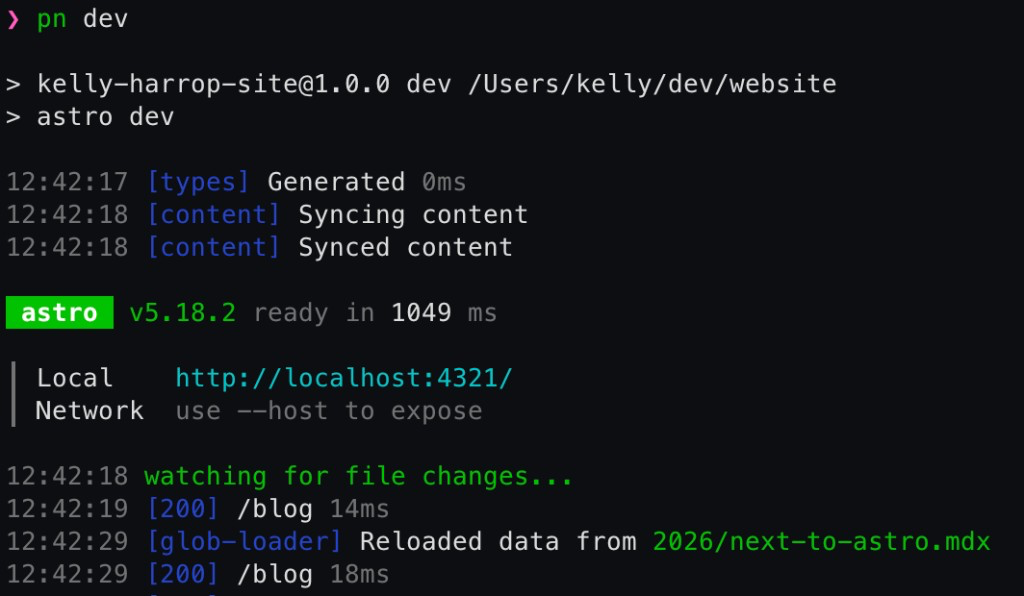
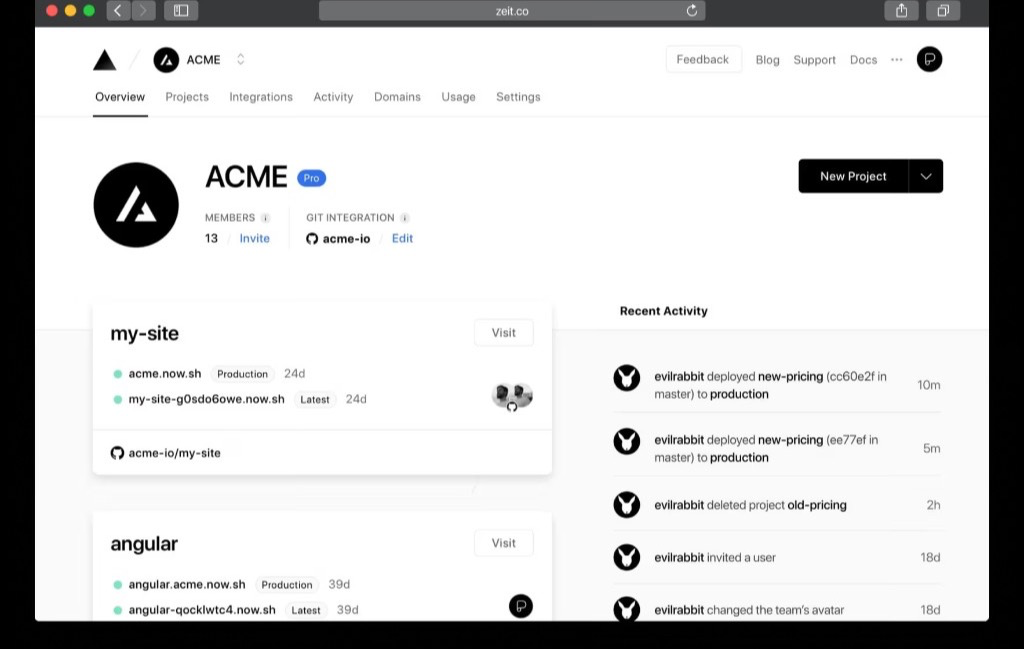
Hosting moved off Vercel too — same GitHub repo, now deployed to Netlify.
Before
After
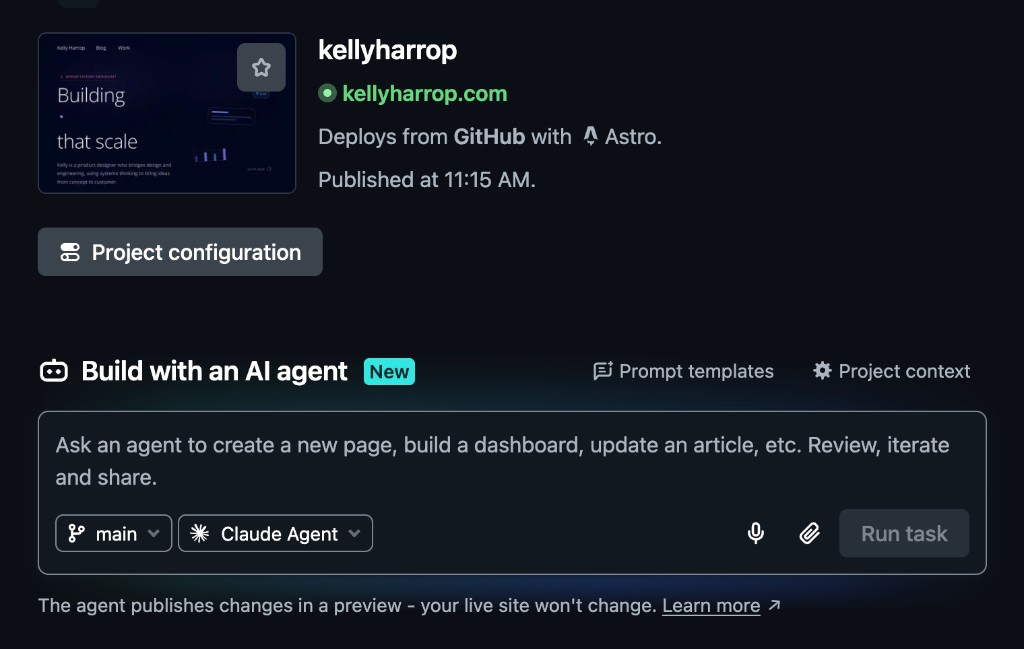
An AI-enhanced flow
With the prevalence of AI, I leveraged it heavily to help me with the migration script and to organize my thoughts when writing out posts and case studies. It was a great way to get feedback and ideas when I was stuck or felt intimidated by a blank page.
It was great to explore several different ideas quickly and iterate on them without having to spend extra time applying and undoing changes manually.
Iterating effectively over what AI suggests has been a key part of my workflow and it’s been invaluable for this migration.
Next steps
I’m going to be adding a few more case studies and building up more of a gallery of frontend experiments. Right now they’re just parked on the landing page but I’d like to have a dedicated space for them along with more context on how I approached each one.
Wrapping up
I don’t think Next.js is bad — but for a personal site that’s mostly for writing and a handful of demos, Astro felt like the right tool for the job.
If you’re sitting on a Next (or CRA, or Gatsby) portfolio that’s mostly static pages, it’s worth asking whether you’re paying framework tax for content that could just be HTML.